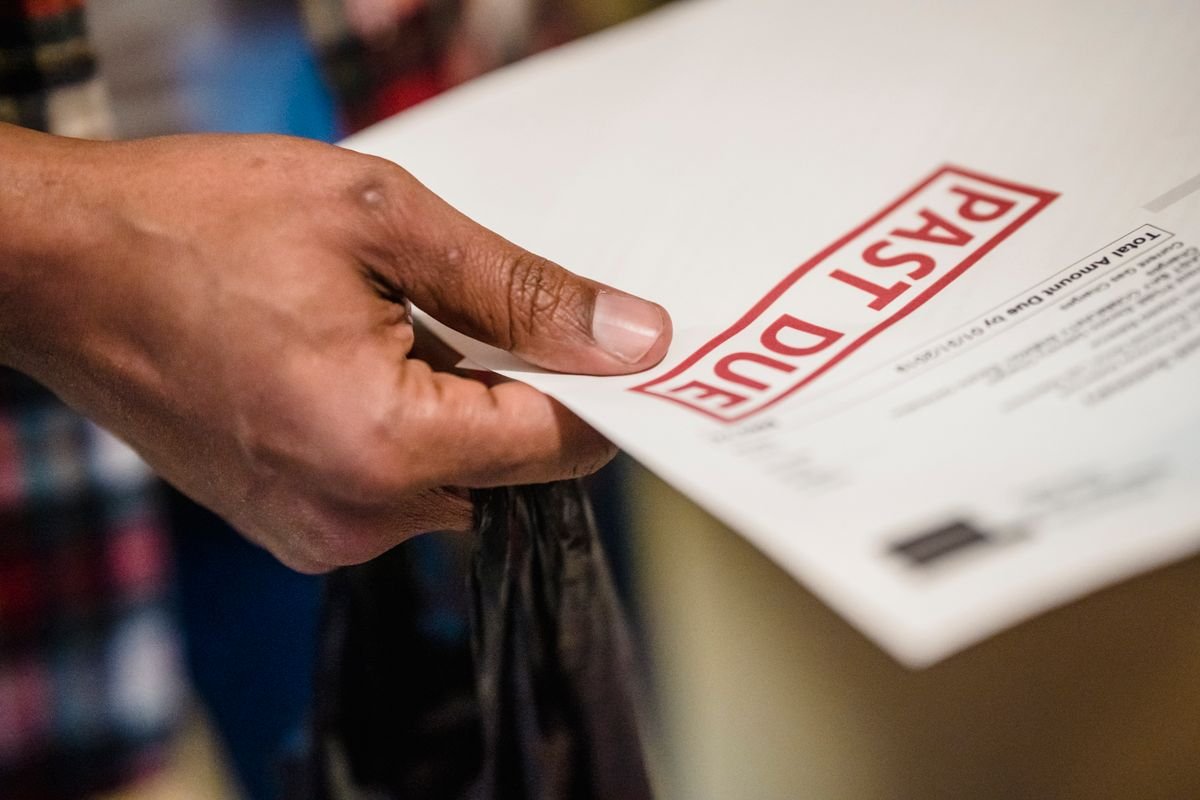
If you run a small business, you already know the most frustrating invoice is the one that never gets paid on time. You did the work, sent the bill, and then spent weeks chasing money you already earned. Learning how to automate invoicing with ai tools small business owners can actually use is less about buying new software than fixing that follow-up gap — and Intuit’s October 27 announcement is a concrete reason to look at it now.
Table of Contents
On October 27, at Intuit Connect in Las Vegas, Intuit expanded its Intuit Intelligence platform with AI-powered invoicing and cash flow tools inside QuickBooks. This post explains what the company announced, what the tools do, what they cost, and a five-step setup you can use this week. We have not tested the new tools hands-on; product claims below are attributed to Intuit or the coverage cited.
The late-payment problem, in numbers
According to the 2026 Intuit QuickBooks Small Business Late Payments Report, 59% of small businesses have invoices overdue by at least 30 days, up from 47% last year. Businesses waiting on unpaid invoices are owed $17,700 on average.
The knock-on effects make this a cash flow problem, not an annoyance: 51% of businesses with overdue invoices say cash flow is a problem, versus 36% of those without. Nearly one in four businesses with invoices overdue by 30 days or more say delayed revenue was the specific reason they could not pay their own contractors, suppliers, or vendors on time.
Manual follow-up is part of the cause: nearly three in four businesses are not fully automated on bill management, and manual approvals and reminders add friction exactly where cash is tight. That is the gap these tools target: not sending the invoice, but everything after it.
What Intuit actually announced on October 27
Intuit announced an expansion of Intuit Intelligence, its platform connecting QuickBooks, Intuit Enterprise Suite, and Intuit Accountant Suite, at Intuit Connect 2026 (October 26–28, Las Vegas). For small businesses, the relevant piece is inside QuickBooks: AI-powered cash flow and invoicing tools, plus expanded bill payment, sales tax preparation, and workforce management.
The invoicing tools do three things, according to Intuit’s announcement as reported by Small Business Trends: surface aging invoices before they become a problem, benchmark a business against its peers, and automatically follow up with customers. The announcement also covers AI-generated recommendations from transactions and cash flow, and redesigned sales tax reports with automated discrepancy checks and electronic filing.
Related announcements cover Accountant Suite (Agentic Books Close, Firm Playbooks) and Enterprise Suite industry editions for nonprofits, manufacturing, and construction — but those are not small-business invoicing tools. Intuit says the rollout began October 27 for US businesses and accounting firms, with more to follow.
What the AI invoicing tools do, step by step
Strip away the platform language and the workflow is simple: the system flags invoices as they age, so an overdue bill is visible before it reaches 30 days past due; it compares your payment patterns against peer benchmarks, showing whether slow payment is normal for your industry or specific to your terms; and it sends payment reminders automatically, including AI-drafted messages.

The headline result Intuit cites: customers using its outstanding invoice notifications and AI-drafted reminders were paid four days faster on average than comparable customers using standard reminders. It comes from an Intuit analysis covering March 2025 to March 2026, and Intuit does not present it as a guarantee. Treat it as a vendor-reported average, not a promise about your next invoice.
Most of the value here is not AI in the abstract: a scheduled reminder needs no AI, and most tools already send one. AI earns its place in wording and triage — drafting a reminder that fits the relationship, and routing a reply such as “wrong purchase order number” to a person instead of sending another nudge. If a tool cannot pause on a dispute, it is not automation; it is a faster way to annoy a customer with a genuine complaint.
What it costs — and what Intuit did not say
Intuit did not announce separate pricing for the new AI invoicing features, according to coverage of the release. The honest cost answer is therefore the cost of the QuickBooks plan the features arrive in, and availability varies by plan — confirm what your account includes before budgeting around a feature.
For reference, QuickBooks Online’s standard monthly prices after its August 2026 increase, as reported by independent pricing guides, are $38 for Simple Start, $85 for Essentials, $140 for Plus, and $340 for Advanced, with a free tier and a $20-per-month Solopreneur plan for simpler needs. Those are subscription prices for the accounting software, not a price tag on the new tools, and promotions can make the first months cheaper.
Two cautions for any budget decision. First, several announced capabilities are still in beta or pilot: Firm Playbooks and portfolio intelligence are in beta, Agentic Books Close is piloted with select customers, and some industry features are still to come. Second, as our small business software stack guide explains, pick the system that fits your whole finance operation, not one feature — switching platforms for a single tool usually costs more than the time it saves.
How to automate invoicing with AI tools small business: a 5-step setup
You do not need Intuit’s newest release to fix most of the follow-up gap. This setup works in QuickBooks and most competing tools — put it in place before judging whether AI-drafted reminders add anything on top.
1. Send the invoice the day the work is done. Every day between finishing the job and sending the bill adds to your wait. Generate the invoice from the job or time entry rather than retyping it at week’s end.
2. Put a pay-now link on every invoice. Fewer steps between reminder and payment means faster payment. Test the link on a phone first — many owners approve invoices from their inbox on mobile.

3. Set a reminder schedule and leave it alone. A workable default: a friendly note a few days before the due date, a reminder on the due date, a firmer note three days late, and a direct note ten days late. The point is consistency — the same schedule for every customer.
4. Add one human review gate. Before any automated reminder goes to your largest customers, or to a customer who replied with a question or dispute, a person should read it. AI-drafted wording needs the same check: a reminder that suits a first-time late payer can sound wrong for a ten-year client with a billing dispute.
5. Measure two numbers monthly. Track the share paid by the due date and the share more than 30 days overdue. If neither moves within a month or two of switching on automation, the problem is probably your payment terms or customer mix, not your reminder schedule.
Guardrails before you switch on auto-reminders
Automated reminders touch customer relationships, so set guardrails before enabling them. Keep a human approval step on anything that moves money or threatens a relationship: a reminder is fine to automate, but pausing work, adding a late fee, or sending a final notice should stay a human decision. Make sure disputed invoices pause or get flagged the same day, so a customer who says “we never received this” does not get a second demand, and keep a log of what was sent.
There is a broader governance point here too. As BBC News reported on October 30, Microsoft president Brad Smith argued in a BBC interview that AI systems face weaker safety rules than everyday regulated products, and that companies should not wait for regulation before building oversight into their AI use. That interview restates a position Smith set out earlier in October; either way, the lesson is the same: for money workflows, build your own approval and review steps now rather than assuming vendor defaults, or a future law, will do it for you.
Who should try it, and who should wait
If you already run QuickBooks and late payment drags on your cash flow, the new invoicing tools are worth testing on a small group of customers first, with the two monthly numbers above as your verdict.
If you are not on QuickBooks, do not switch accounting systems for this feature alone. Scheduled reminders, pay-now links, and same-day invoicing exist in competing tools such as Xero, Zoho, and Stripe, and our review of Gusto’s AI payroll tools makes the same general point: the platform decision should follow your whole operation, not one announcement. If most of your overdue invoices are disputed rather than forgotten, fix the dispute — wrong amounts, missing purchase orders, unclear terms — before automating anything, because automation will only send the same disputed bill faster.
Conclusion
Intuit’s October 27 announcement is best read as a useful, limited upgrade rather than a reinvention of invoicing. The tools that matter most are unglamorous: aging invoices surfaced early, reminders sent on a consistent schedule, and wording that fits the customer. Set up the five steps above, keep a human in charge of disputes and final notices, and judge the result by your overdue share.
Pricing last checked October 31, 2026. We did not test the new Intuit tools hands-on.
Sources: Small Business Trends on the Intuit Connect announcement; PYMNTS on Intuit’s industry tools; 2026 Intuit QuickBooks Late Payments Report; Fintechbits on the rollout; TechnologyAdvice and Werxapp on QuickBooks pricing; BBC News on Brad Smith (October 30, 2026).
Does QuickBooks’ new AI invoicing cost extra?
Intuit has not announced separate pricing for the new invoicing tools; they arrive inside existing QuickBooks plans and availability varies by plan. Check your account’s included features before assuming a feature is live for you.
How much faster will AI reminders get me paid?
Intuit reports users of its outstanding invoice notifications and AI-drafted reminders were paid four days faster on average than comparable users of standard reminders (March 2025 to March 2026 analysis). That is a vendor-reported average, not a guarantee.
Do I need AI to automate invoice reminders?
No. Scheduled reminders, pay-now links, and same-day invoicing deliver most of the benefit, and most accounting tools already offer them. AI adds value mainly in drafting reminder wording and sorting customer replies, not in sending a message on a schedule.
What should I check before turning on automated reminders?
Confirm disputed invoices pause instead of escalating, add human review for large customers, and track on-time payment and 30-day-overdue shares. If neither moves, revisit your payment terms before buying more automation.
Was this article helpful?