
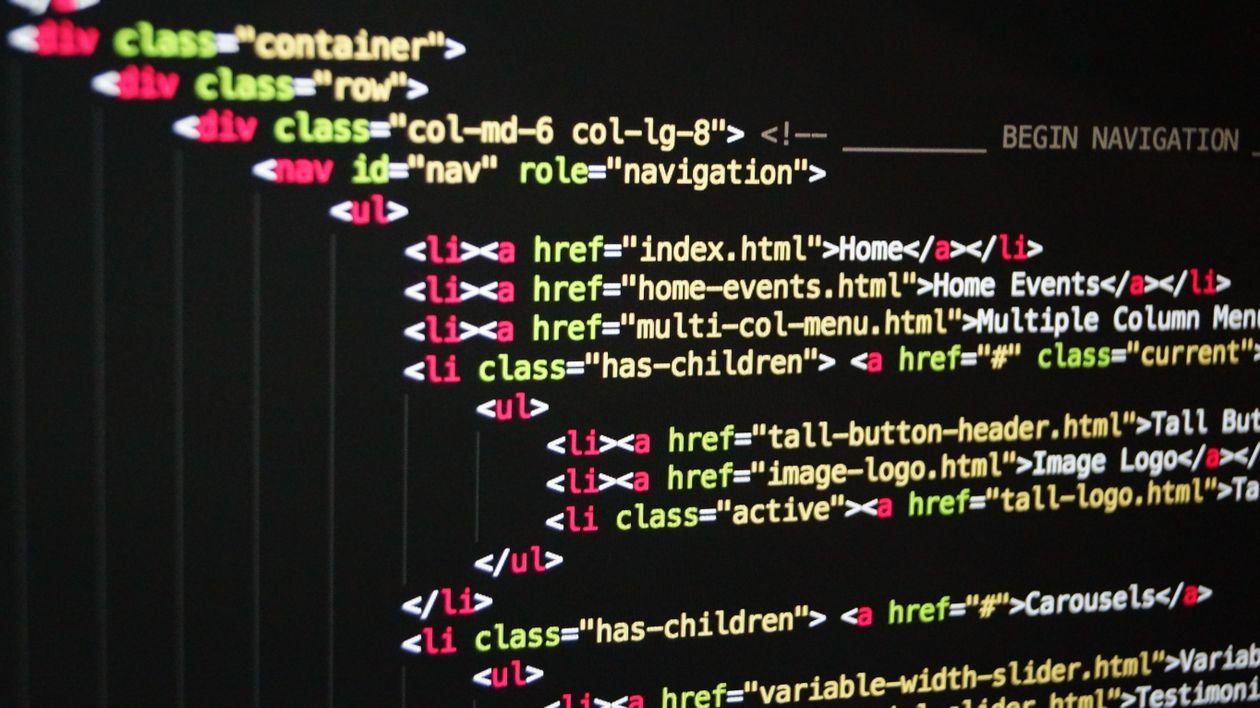
Cloudflare released EmDash 1.0 on September 28, 2026 — a free, open-source content management system it calls the “spiritual successor to WordPress.” If you run your business on WordPress, or you are choosing a platform for a new site, you are probably wondering whether EmDash vs WordPress in 2026 is a real decision or just launch hype. This guide compares the two on what matters to a small business: security, cost, migration effort, AI-agent support, and ecosystem maturity — and gives a straight answer on who should switch. This EmDash vs WordPress 2026 small business guide walks through features, costs, and migration so you can decide whether to switch.
Table of Contents
What EmDash actually is
EmDash was announced on April 1, 2026, and half the internet assumed it was an April Fools’ joke. It was not. Six months later, Cloudflare shipped the stable 1.0 release during its Birthday Week, moving the software from beta to production-ready status, according to CMWire’s launch coverage.
Technically, EmDash is a full-stack CMS written in TypeScript and built as an integration for Astro, the JavaScript web framework. The CMS, admin panel, database, and site run as one application, with content types defined through the admin UI. It is MIT-licensed — free for commercial use.
Cloudflare says more than 175 contributors made over 1,800 commits, volunteers translated the admin into 25 languages, and Cloudflare moved its own blog onto EmDash in August 2026 — a site it says handles millions of page views a week with spikes up to 5,000 requests per second (company figures, but a genuine vote of confidence).
For editors, EmDash looks familiar by design: posts, pages, a media library, menus, drafts, scheduled publishing, revision history, and the same user-role names WordPress uses.
EmDash vs WordPress: the key differences at a glance
| EmDash 1.0 | WordPress | |
|---|---|---|
| Language | TypeScript | PHP |
| License | MIT (free) | GPL (free) |
| Admin experience | WordPress-style panel | The panel your team probably knows |
| Plugin security | Sandboxed, app-style permissions | Plugins run with full site access |
| Plugin ecosystem | Young; free plugins only so far | Tens of thousands of plugins |
| Themes/design | Rebuilt as Astro projects | Thousands of PHP themes |
| Page builders | None | Gutenberg, Elementor, and others |
| Sign-in | Passkey-first | Username and password |
| Hosting | Cloudflare Workers or any Node.js server | Any PHP web host |
| AI-agent access | Built-in MCP server, CLI, REST API | Via third-party plugins and APIs |
The shape of the trade-off is clear: EmDash modernizes the architecture and tightens security, while WordPress keeps an unbeatable ecosystem and remains manageable for a non-technical owner.
The 5 things that actually matter for a small business
1. Security: EmDash’s strongest argument
In WordPress, plugins run inside the same process as the site, with broad access to your database, files, and visitor data. That is why plugin flaws dominate WordPress security news — including the critical flaws added to the US government’s exploited-vulnerabilities catalog that we covered this month, which attackers are exploiting in the wild right now.
EmDash takes the opposite approach: each plugin runs in an isolated sandbox and can only do what its manifest declares and your administrator approves — read content, send email, nothing more. It is the same permission model as a phone app. A compromised EmDash plugin cannot quietly rewrite your database, because it was never given that power.
If the weekly plugin-update dance is the chore you dread, this is the single most meaningful difference — with one honest caveat: running less code shrinks the attack surface, but it does not make any platform unbreakable.
2. Cost: the software is free; hosting is where you decide
EmDash itself costs nothing. On hosting, the math is genuinely favorable for small sites. On Cloudflare it runs on Workers, D1, and R2, and the free tier covers modest sites. The project’s own documentation flags one specific cost: the sandboxed-plugin system depends on Dynamic Workers, available only on paid Cloudflare accounts starting at $5 per month. You can also run EmDash on any Node.js 22.16+ server with SQLite, PostgreSQL, or libSQL, or via Docker — it is not locked to Cloudflare.

WordPress is free too, but a typical small business pays $5–$15/month for shared hosting plus premium plugins and update time. Our own site runs self-hosted WordPress on Hostinger: WordPress hosting is a known, predictable bill, while EmDash can run cheaper at small scale but asks more of you technically.
3. Migration: your content moves; your design does not
EmDash’s WordPress importer takes a standard WXR export and brings over posts, pages, custom post types, taxonomies, authors, and media — plus SEO titles and descriptions from Yoast or Rank Math where fields match, converting Gutenberg blocks into EmDash’s rich-text format.
What does not come across:
- Your theme. Astro replaces WordPress templates, so the design is rebuilt as Astro pages and components.
- Your plugins. PHP plugins do not run on EmDash. Each one is replaced with an EmDash plugin, ported by a developer, or dropped.
- Redirects and link details. An agency that tested the importer found post counts matched, but no redirects were created from old addresses, links inside articles still pointed at the old URLs, and nested categories came out flat. Shortcodes and page-builder markup need checking by hand, and private or scheduled posts arrive as drafts.
Keep your WordPress site live until the new one is verified. Realistic expectation: content migration takes minutes; a full move takes a developer days to weeks, mostly on design and plugin replacement.
4. AI agents: EmDash is built for them, with a caution attached
EmDash ships with a built-in MCP (Model Context Protocol) server, CLI, and REST API, so an AI agent can manage content and plugins programmatically.
Practically, an agent could draft and stage posts or update product pages without you clicking through the admin panel — WordPress needs plugins for this, while EmDash was designed around it.
The caution matters as much as the capability. As BBC News reported on October 9, 2026, Signal Foundation president Meredith Whittaker warned the real AI danger is careless deployment of AI systems in real-world settings — and an agent with the keys to your CMS can publish, delete, or misconfigure things at machine speed. If you give an AI agent CMS access, keep it on least-privilege permissions, test on a staging copy, require human approval before anything goes public, and keep an activity log.
5. Ecosystem maturity: the honest reason most businesses should wait
EmDash’s plugin registry is decentralized and built on AT Protocol: developers keep ownership of their identity and release history instead of handing it to a central marketplace, and releases are signed and checked at install time. Architecturally, that is a thoughtful design.
But the ecosystem is weeks old: only free plugins are supported, one production team reported installing zero registry plugins (nothing they needed existed yet), there is no visual page builder, no WooCommerce equivalent, and no two-decade bench of agencies and tutorials.
Early field reports are encouraging. Agency WAYF wrote on October 3, 2026 that EmDash is now what it offers clients who ask for WordPress (keeping a different CMS as its default for larger organizations). Another team moved five WordPress sites to EmDash 1.0 in late September; the cutover worked, though uncached pages ran slowly until database read replication was enabled. Their verdict: content sites with small teams fit; communities, stores, courses, and membership sites should stay on WordPress for now.
EmDash vs WordPress 2026 small business guide: who should switch, who should stay
Consider EmDash if:
- You are building a new content site (blog, marketing site, documentation) and have a developer comfortable with JavaScript and Astro.
- Plugin security updates are a recurring pain and you want the sandbox model.
- You want AI agents to work with your content through a native MCP server.
- Your site is due for a redesign anyway — the theme must be rebuilt regardless.
Stay on WordPress if:
- Your business runs on WooCommerce, a membership plugin, bookings, courses, or a page builder. EmDash has no equivalents yet.
- You manage the site yourself with no developer. WordPress’s non-technical experience is still unmatched.
- You depend on specific plugins with no EmDash replacement. Audit your plugin list before anything else.
- Your site is working fine. A CMS migration is a project with real cost; “newer” alone is not a reason.

Bottom line for most small businesses in 2026: EmDash 1.0 is a serious option for new projects with technical help — not a reason to migrate a working WordPress site. If you have not built your site yet, our guide to starting a business blog that ranks on Google walks through the platform decision from scratch. Revisit EmDash in a year, once the plugin registry has grown.
Frequently Asked Questions
Is EmDash really free?
Yes. EmDash is released under the MIT license, so the software itself is free for any use, including commercial sites. You still pay for hosting: Cloudflare’s free tier covers small sites, sandboxed plugins need a paid plan from $5/month, and self-hosting on your own Node.js server is free.
Can EmDash import my existing WordPress site?
Your content can move. The built-in importer transfers posts, pages, custom post types, taxonomies, authors, media, and SEO fields from Yoast or Rank Math. Your theme and plugins cannot — the design is rebuilt in Astro, and each plugin is replaced, ported, or dropped. Plan manual cleanup for redirects, internal links, and page-builder markup.
Is EmDash better than WordPress for SEO?
Neither platform ranks you by itself. EmDash produces clean, fast pages and imports your SEO titles and descriptions, which helps technically. But WordPress’s mature SEO plugins, redirect managers, and schema tools remain far ahead. If SEO is your priority and your WordPress site runs well, switching gains you nothing on rankings today.
Do I need a developer to use EmDash?
Effectively yes. Editors get a familiar admin panel, but installing EmDash, building the site in Astro, and replacing plugin functionality are developer tasks. WordPress remains the better choice for owners with no technical help.
Conclusion
EmDash 1.0 is the most credible new CMS in years — free, security-first, and built for an era of AI agents. For a new content site with a developer on hand, it deserves a serious look. For the typical small business running a working WordPress site — especially one built on WooCommerce, memberships, or page builders — the right move in 2026 is to stay put and watch the ecosystem grow. Your next step: list the plugins your business actually depends on. If every one of them has an EmDash path, you are a candidate. If not, you have your answer.
Was this article helpful?