
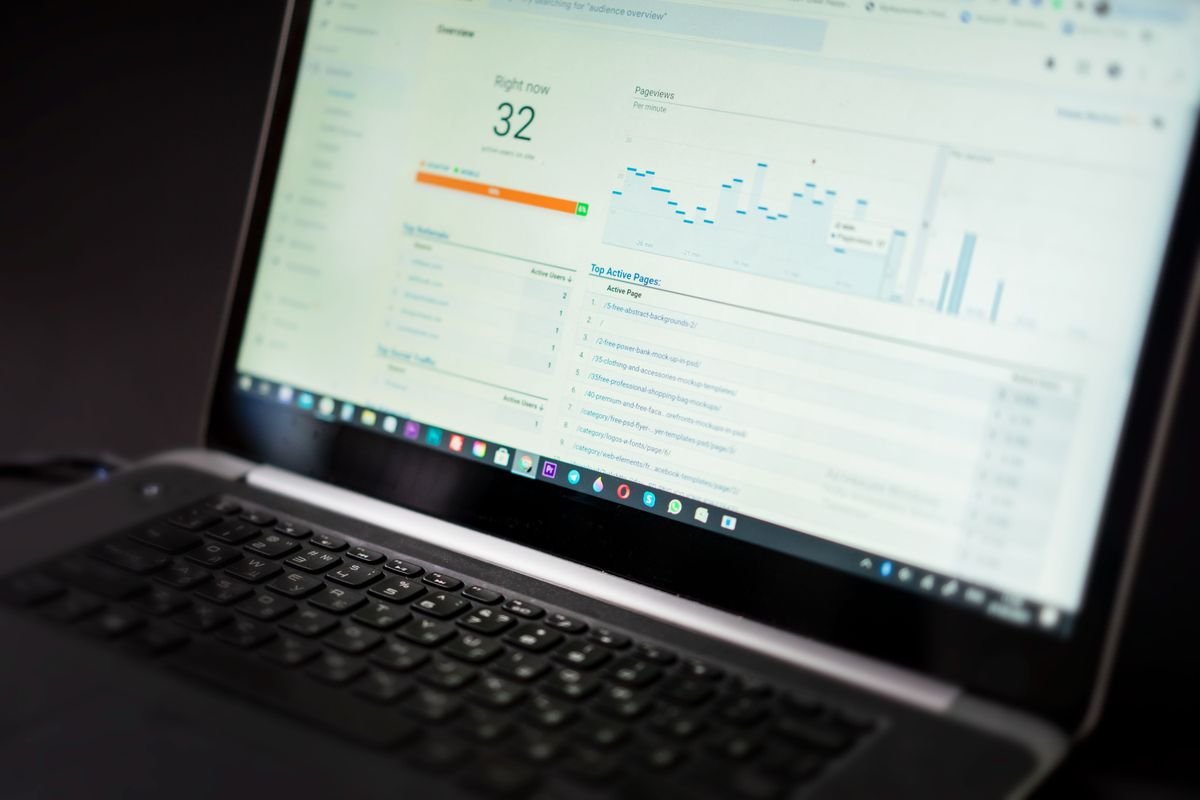
Google’s September 2026 spam update is over — and now is finally the right time to figure out what it did to your site. If your business depends on Google traffic, you’ll learn how to check whether the update hit your site, read your Search Console data properly, and take six practical steps this week. This Google spam update September 2026 small business guide explains what happened, how to check for impact, and what to do next.
Table of Contents
What happened: the timeline of the September 2026 spam update
Google began the September 2026 spam update on September 24 and confirmed it finished rolling out on October 8, after 13 days and 16 hours — making it the longest spam update of 2026. Google’s Search Status Dashboard lists the update as complete as of October 8, 2026 at 1:00 a.m. PDT, applying globally and to all languages (Search Engine Journal).
What made this rollout unusual was its length. Google said at launch the rollout “may take up to two weeks to complete” — and it used nearly all of that window. For comparison, this year’s earlier spam updates finished in 19 hours and 30 minutes (March), 2 days and 1 hour (June), and 2 days and 16 hours (August) (Search Engine Roundtable).
During those two weeks, ranking trackers recorded three distinct volatility waves, documented by Barry Schwartz at Search Engine Roundtable: September 25–27 (the first wave hit hard over the weekend), September 30, and October 4–6 (Eology’s recap).
Why this update was different
Two things stand out. First, the duration: two-week rollouts were normal for core updates, not spam updates. Second, Google said almost nothing about what changed. The company described it as a “normal spam update,” did not announce any new spam policy, and did not name any spam tactic, industry, or type of website as the target (Affiverse).
A spam update is an upgrade to Google’s automated spam-detection systems — including SpamBrain, its AI-based spam prevention system. It does not mean your site was manually penalized, and it does not mean only guilty sites move. Legitimate sites see volatility during long rollouts too — which is exactly why the advice during the rollout was to measure first and not panic.
How to check if your site was hit
Measuring impact before the rollout finished on October 8 meant working with moving targets. Now that the rollout is complete, the numbers have settled and measurement is reliable. You need about an hour and one free tool: Google Search Console.
Step 1: Set up the comparison window. In Search Console, open the Performance report and compare two periods: September 10–23 (the two weeks before the update) against October 8 to today. The rollout window itself (September 24–October 8) was unstable, so don’t use it as a baseline or as your “after” — treat it as a sealed zone you can inspect separately for when any drop began (weproms walkthrough).
Step 2: Look at pages, not just totals. Sort by clicks and check your money pages — products, services, lead generation. A drop concentrated on one page type (templated service pages, location pages, thin posts) is a content-pattern signal; a sitewide dip during the volatility windows is more likely update turbulence.
Step 3: Check the volatility windows. Look for sharp drops beginning around September 25–27, September 30, or October 4–6. If a drop started on, say, September 26 and never recovered, it lines up with a documented update wave. A drop that started October 3 and faded by October 7 is more likely normal churn or something else entirely.
Step 4: Rule out the manual stuff first. Open Search Console’s “Manual actions” and “Security issues” reports and confirm both are clean. Also check whether your site was hacked: injected spam content can make a legitimate site look spammy to Google’s systems. WordPress owners should verify they’re fully updated — see our October security update guide and safe plugin update checklist.
Step 5: Don’t trust one weak day. One bad day proves nothing. What matters is a sustained trend across several days, especially compared against the same pages’ pre-September 24 performance.

What did the update target? (The honest answer)
Google hasn’t said. So anyone telling you exactly what this update targeted is speculating. Here’s what is established, and what is not.
Established: spam updates enforce Google’s published spam policies. The behaviors those systems hunt include cloaking (showing different content to Google than to visitors), sneaky redirects, scaled content abuse (mass-produced low-value pages), doorway pages, hidden text, and link spam. Industry analysis of this update found the hardest-hit page types were heavily templated service pages, programmatic pages with little unique value, doorway pages that swap a location name while keeping everything else identical, and thoughtlessly generated AI content — the common thread being large-scale page generation that doesn’t satisfy a specific searcher’s intent (YouTube SEO breakdown citing Search Engine Roundtable coverage).
Also established — and reassuring: AI-generated content is not automatically spam. Google has not announced any special focus on AI content in this update. And its October 1, 2026 guidance update drew a bright line elsewhere: fabricated creator profiles — AI-generated headshots, invented names, false credentials — are now explicitly called a signal of a low-quality page (weproms). The issue is deception and quality, not the tool used.
Not established: whether this update targeted link spam (Google usually puts “link” in the name for those), any specific industry, or affiliate sites in particular. Some analysts speculated about image and video search focus because Google added a multimodal report to Search Console the same week — that is unconfirmed speculation, not fact (Eology).
The practical takeaway for a small business: if your site is mostly original, specific, human-reviewed content — the kind our business blogging guide describes — a spam update is unlikely to be your problem. The sites with reason to worry are the ones sitting on dozens of near-identical location pages, thin templated content, stale comment sections full of spam links, or paid backlink footprints from years ago.
Google spam update September 2026 small business impact: 6 things to do this week
1. Run the Search Console comparison. Follow the five steps above. Write down what you find: which pages dropped, when the drop started, and how big it is. This document becomes your baseline for everything that follows.
2. Audit your thinnest pages. Look for the patterns this update kept hitting: “best X in [City]” pages that only swap the city name, near-identical service page templates, and bulk-published posts with little human review. If a page gives the searcher nothing your other pages don’t, consolidate, improve, or noindex it.
3. Clean up what looks like spam, even if it isn’t yours. Check your blog comments for pharmacy and casino link spam, remove injected content if your site was hacked, and review your backlink profile for paid links bought years ago. User-generated spam counts against you regardless of who posted it.
4. Fix creator transparency. If your “team” page or author bios pair stock photos with made-up names or credentials, correct them now. Real people, real credentials, real accountability.
5. Make one change at a time. If you overhaul several parts of your site in the same week — new homepage copy, new navigation, a batch of noindexed pages — a later traffic move becomes unreadable: you cannot tell which edit caused it. Fix one thing, wait, measure, then move on.
6. Give it time. Google’s own documentation sets the expectation in months, not days: after you fix violations, its automated systems need time to re-crawl and re-evaluate your pages before rankings respond. An audit you run this week is groundwork for results that may only show up next quarter — not a fix with a Friday deadline.

What NOT to do
Don’t panic-edit. The rollout is over, but the temptation to “do something visible” remains. Mass rewrites based on a two-day dip are how sites get worse, not better.
Don’t buy “recovery” services. Anyone promising fast recovery is selling you something Google itself says takes months. Buying backlinks to “recover” is pouring gasoline on a fire — unnatural links are exactly what spam updates target.
Don’t assume a traffic dip means you were hit. Clicks move for ordinary reasons too: seasonality, competitors, SERP layout changes, AI Overviews. Correlate the timing with the volatility windows before concluding the update did it.
Don’t ignore the good-news side of updates. Spam updates re-evaluate sites, not just punish them. Sites that cleaned up after earlier 2026 spam updates reportedly saw significant recoveries during this rollout — one went from nearly zero to roughly 8,000 Google clicks per day (YouTube recap). Google’s systems recognize improvement; they just do it slowly.
The bottom line
Google’s September 2026 spam update — September 24 to October 8, the longest spam rollout of the year — is now a closed chapter you can measure. The drill is simple: compare your Search Console data across the sealed window, check your manual-actions report, audit your thinnest pages honestly, clean up anything spammy, and then wait patiently instead of panicking.
Google didn’t say what this update targeted. It did say — again, on October 1 — what it values: real content, real people behind it, and no deception. Build on that and you don’t need to fear the next one.
When did Google’s September 2026 spam update roll out?
Google began the update on September 24, 2026 and confirmed completion on October 8, 2026 at 1:00 a.m. PDT — a 13-day, 16-hour rollout, the longest spam update of 2026. It applied globally and to all languages.
What did the September 2026 spam update target?
Google has not named a specific target and called it a ‘normal spam update.’ Spam updates enforce Google’s existing spam policies — scaled content abuse, cloaking, doorway pages, link spam — and industry reports found templated and thin pages were hit hardest. AI-generated content is not automatically treated as spam.
How do I know if the update hurt my small business website?
In Google Search Console’s Performance report, compare September 10–23 against October 8 to today at the page level. Look for sustained drops starting around the volatility windows (Sept 25–27, Sept 30, Oct 4–6). Also check the Manual Actions and Security Issues reports to rule out other causes.
How long does it take to recover from a Google spam update?
Google says sites that fix violations may see improvement ‘over a period of months’ as its automated systems re-evaluate the site. There is no fast recovery — which is also why you should be skeptical of anyone selling one.
Was this article helpful?